
Intro
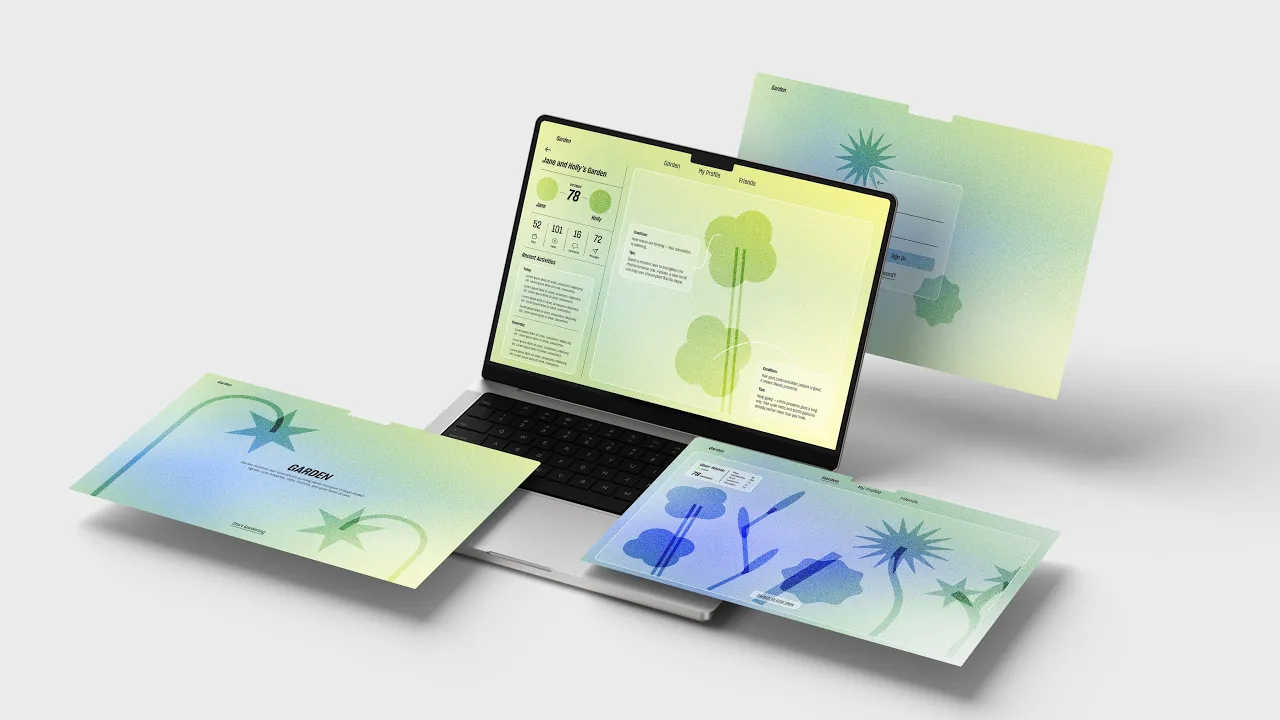
Garden is an UI/UX exploration that reimagines implicit digital relationships as a living ecosystem. It visualizes social interactions as growing plants, soft, organic, and constantly changing. Instead of direct messages, Garden translates implicit connections like views, proximity, time-spent, and other gentle interactions into plant-like growth that feels soft, ecological, and human.
Deliverables:
Website Design
Interaction Design
User Experience
Branding
Year
/
2025

Research Insight
Current message-based online communication costs too many efforts, thinking about what to say and how the other person understands is exhausting. People value implicit signals (presence, attention, time-spent) more than constant messaging.
Communication Space
A shared, plant-based environment where each relationship “grows”, a calm micro-ecosystem for presence, care, and attention.
Connect & Communicate
Define connection via ambient actions (views, likes, proximity) as well as direct messages. Interactions are soft, nonverbal, and low-pressure.
Data to Feeling
AI agent collects implicit interactions and translate them into plant growth and health condition, turning data into living forms that support trust and closeness.
Design language
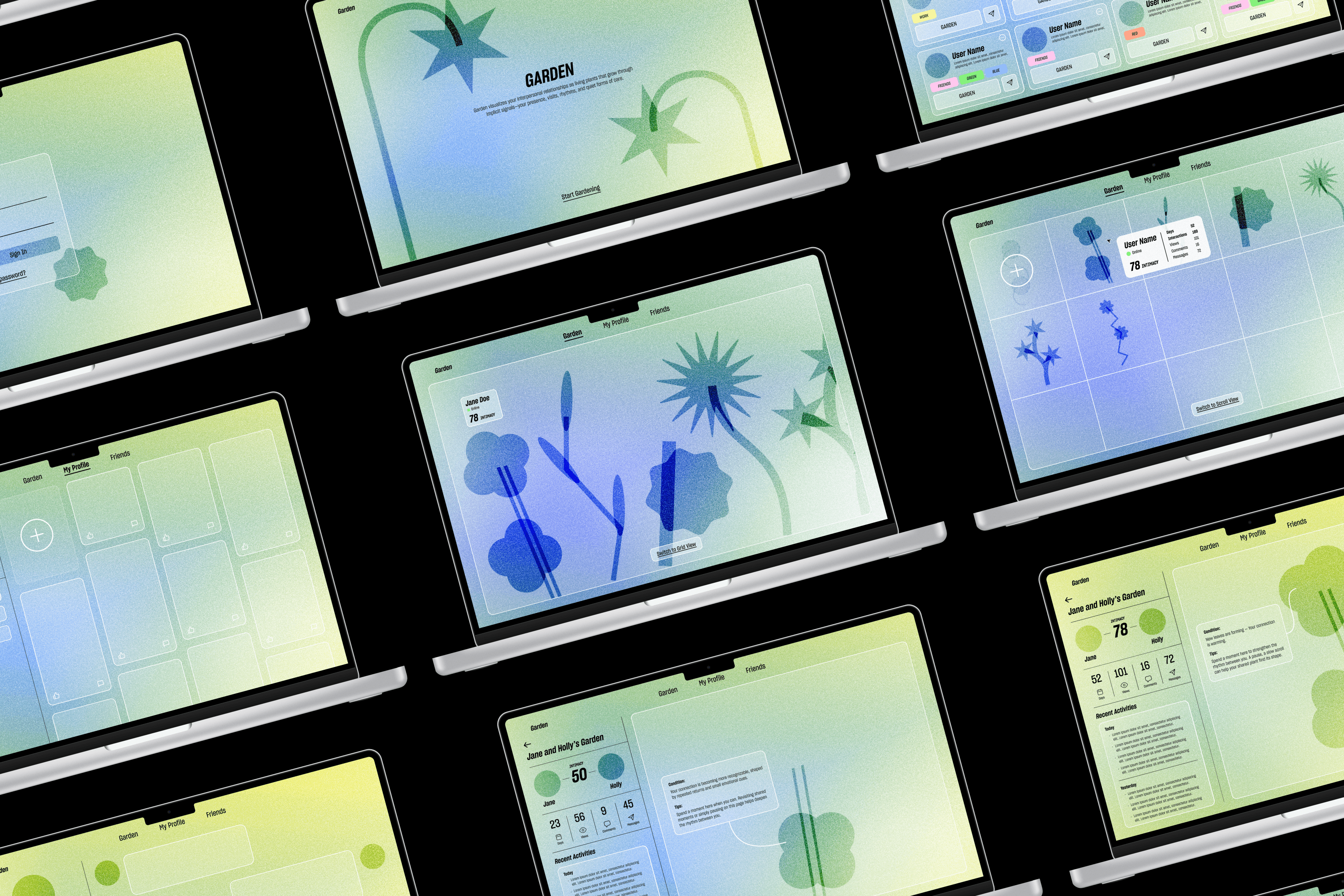
Softness
Slowness
Organic
Gentle lines, rounded corners, plant-like curves, and low-contrast colors.
Soft gradients, slow transitions, micro-interactions, and a sense of natural growth.
Branching forms, leaf-vein patterns, breathing-like motion, and ecological network shapes.

Home Page & Login
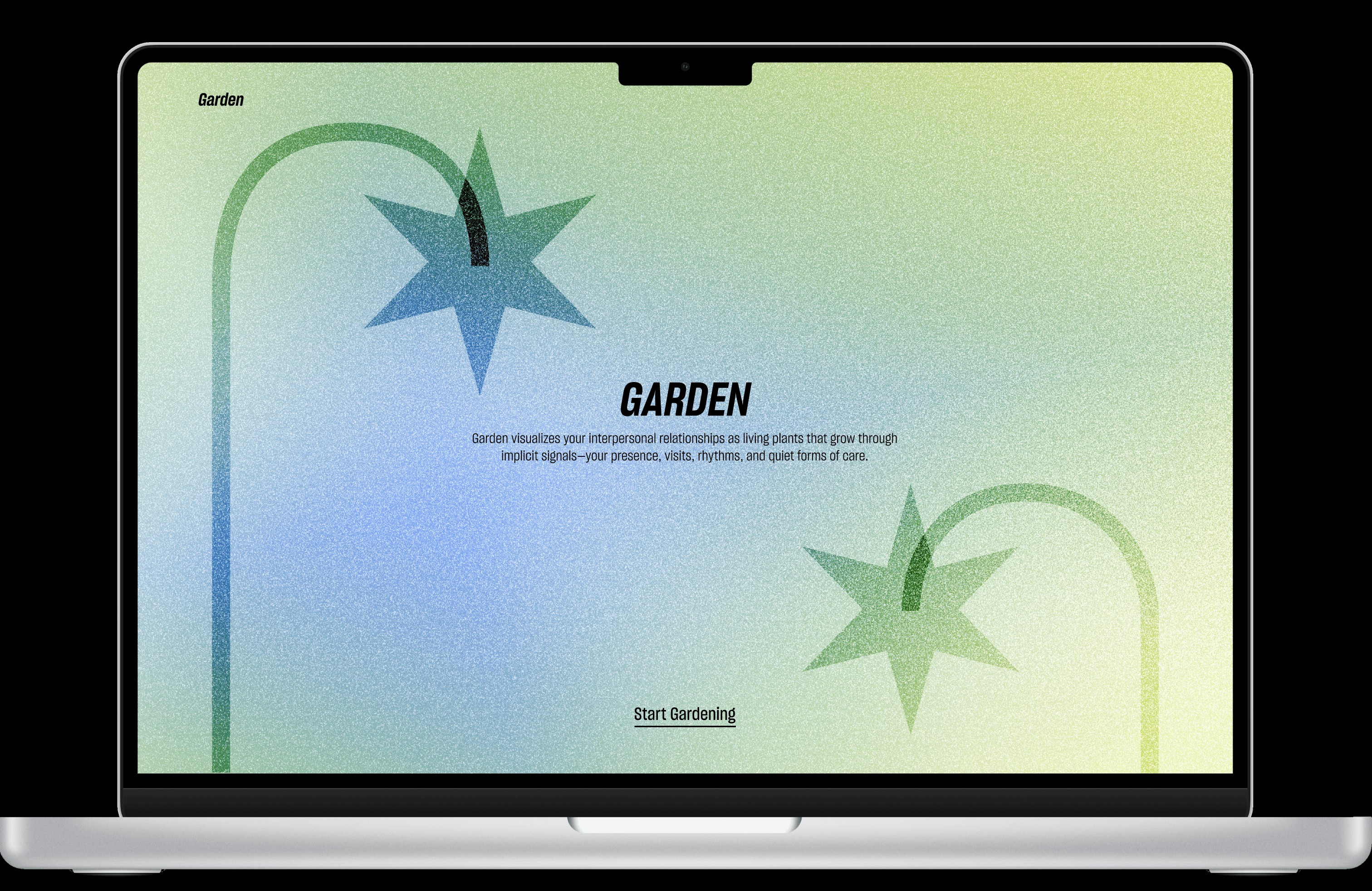
GARDEN is an online communication platform that visualizes user's interpersonal relationships as living plants that grow through implicit signals, shaped by the presence, visits, rhythms, and other quiet forms of care.

Garden Page
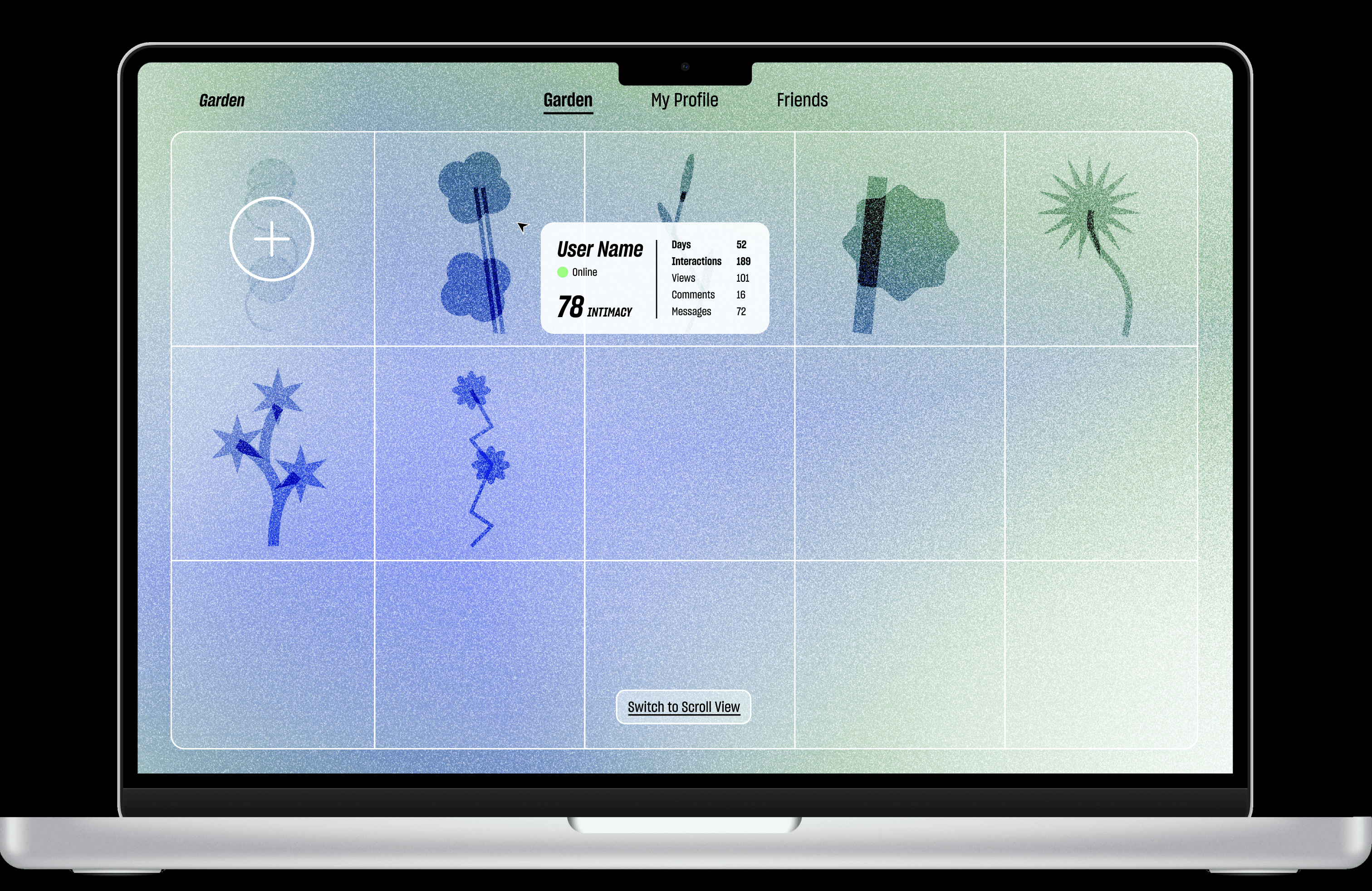
In Garden Page users can view all of the connections plants' growth status. Hovering shows friend’s online status along with the intimacy score.
You can view more by scrolling right, or click on the “Switch to Grid View” button to check out the grid view.
Friends Profile
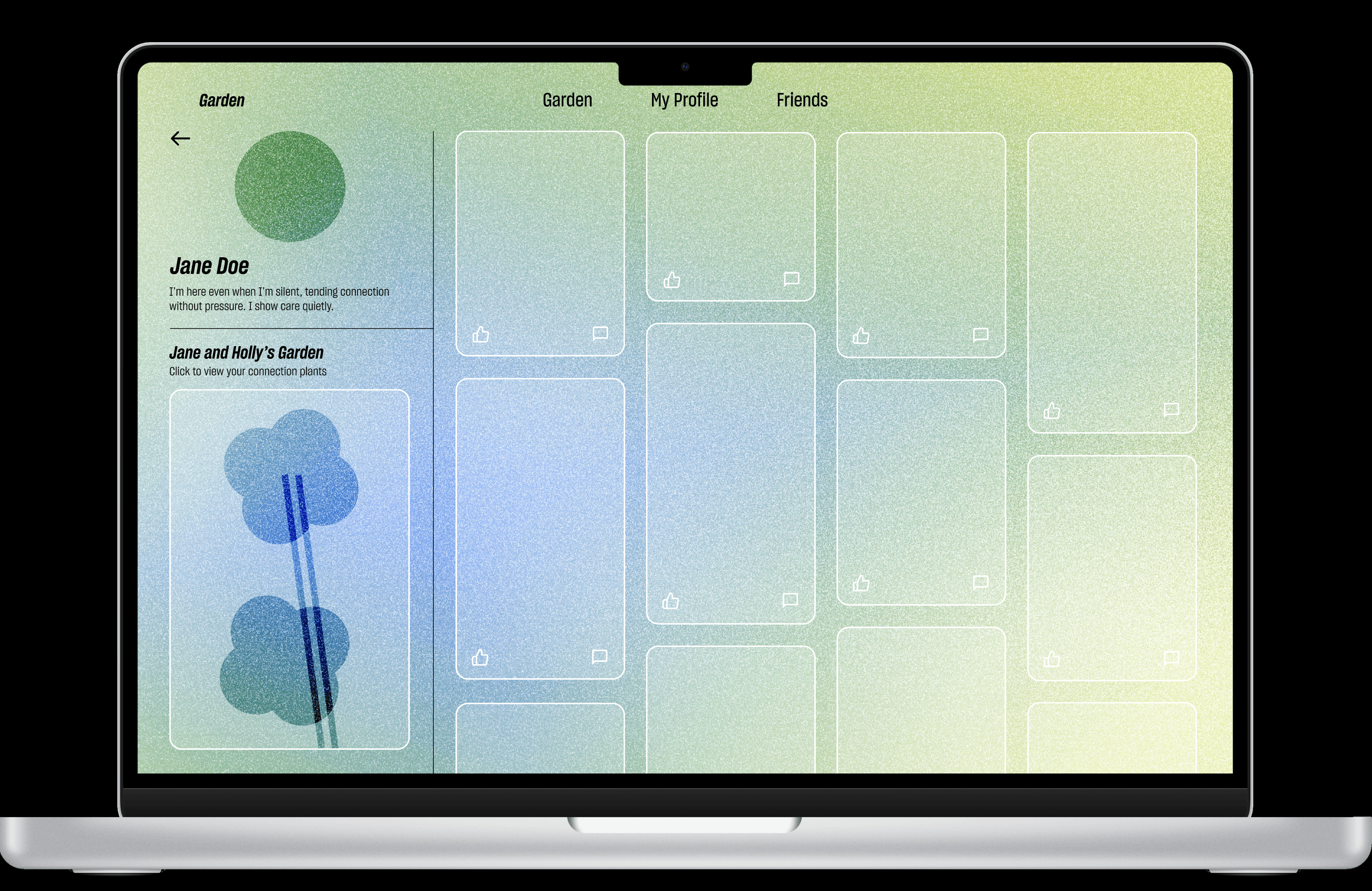
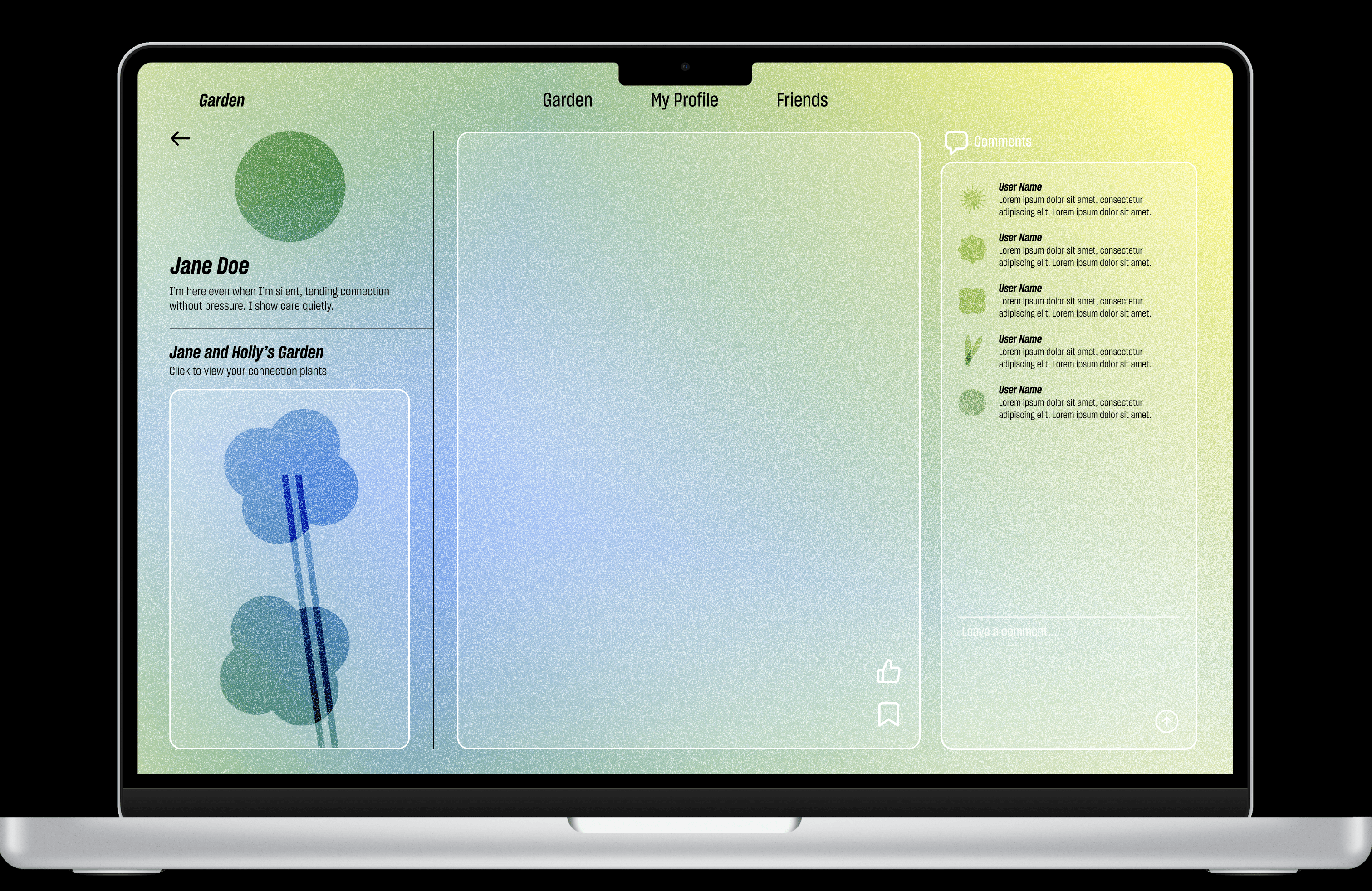
On friend's profile page, users can view their bio, see shared connection plant, and access the connection garden via the left sidebar, while browsing her posts on the right with the newest post highlighted at the top-left. Opening the post brings up an enlarged view where users can like, save, or comment, and also read comments from mutual friends.
Plant Growth
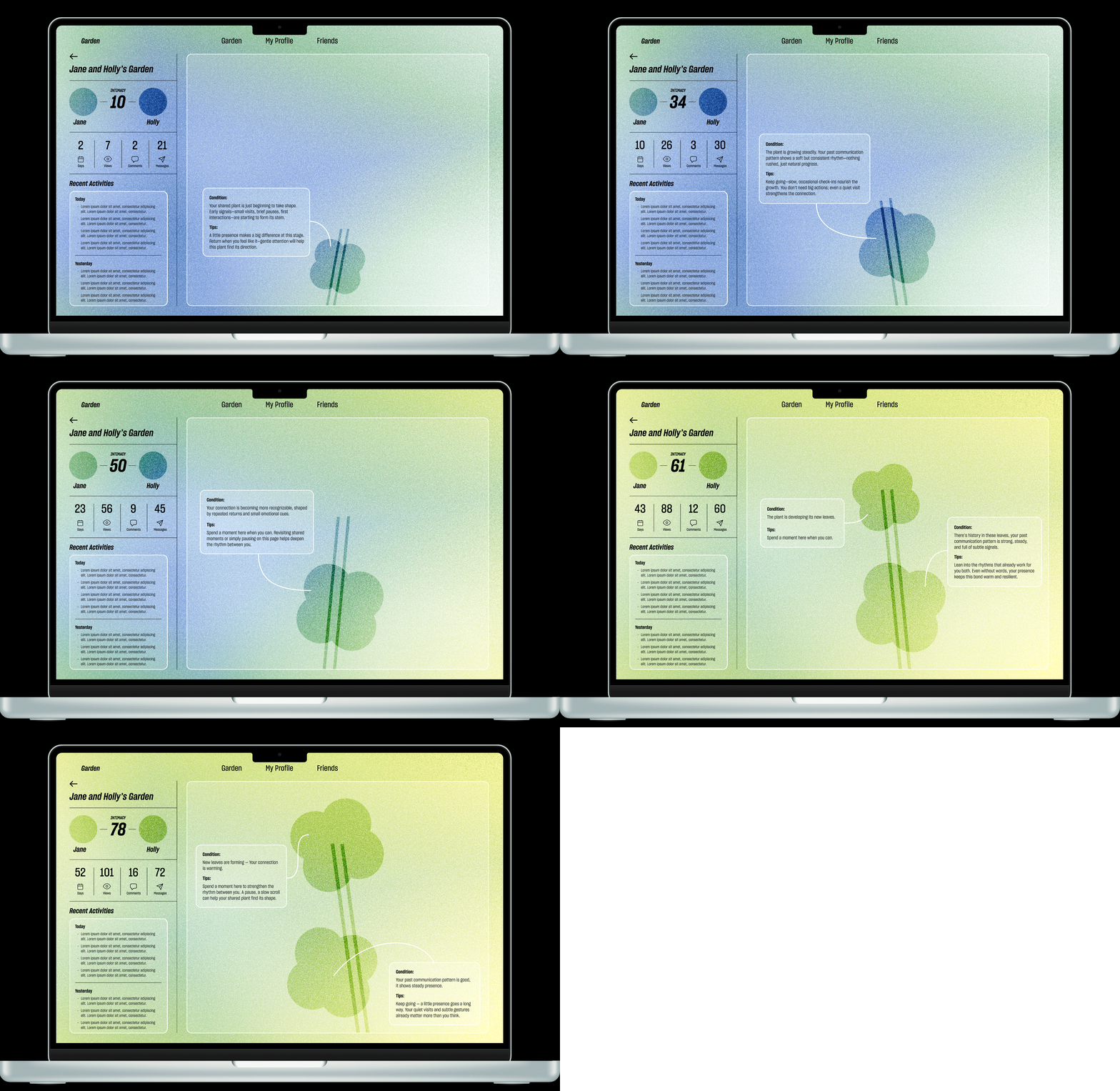
Here’s a demo showing how the implicit interactions are calculated and converted into intimacy score, and how does that affect the connection plant growth. At each stage, AI agent intervenes to analyze the current interaction patterns and provide suggestions to help the connection plant thrive.
Friends Page
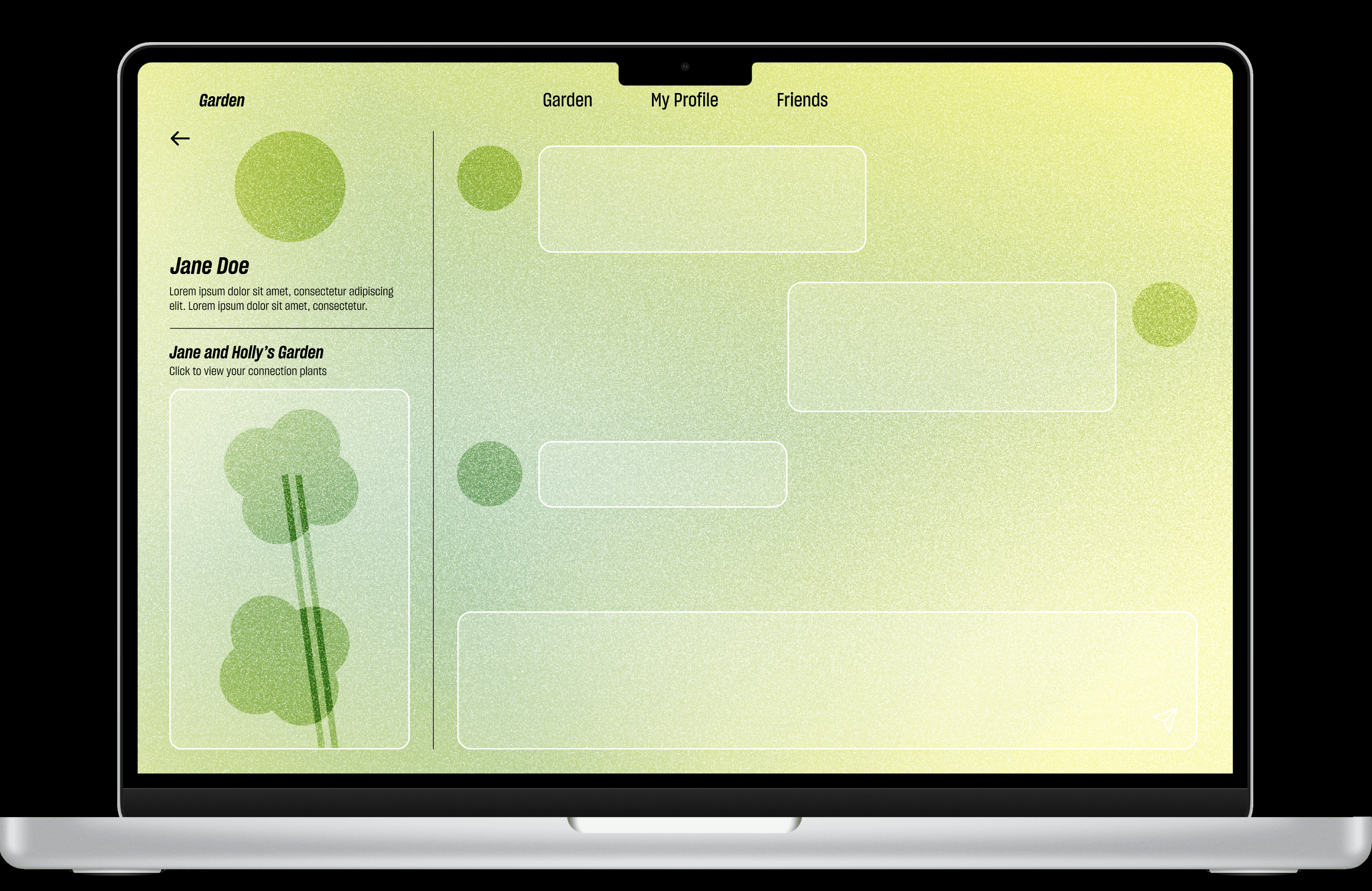
Contact List + Messages
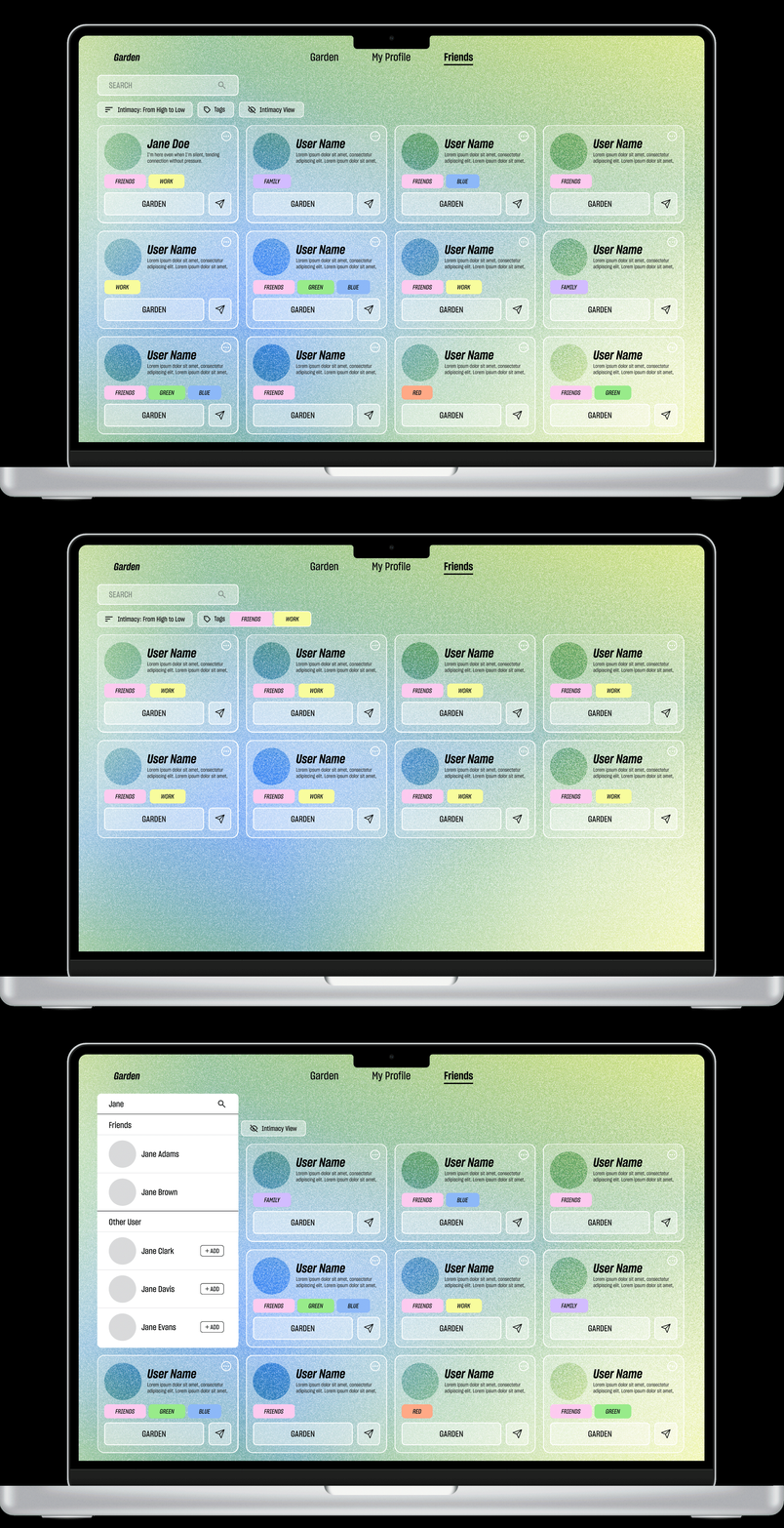
Browse: Contacts displayed in a grid for quick scanning.
Find: Search bar to locate friends or discover/add new ones.
Sort: Filters for intimacy level + tags to group people.
Act: Friend card provides direct actions to open Garden or send a message.
My Profile
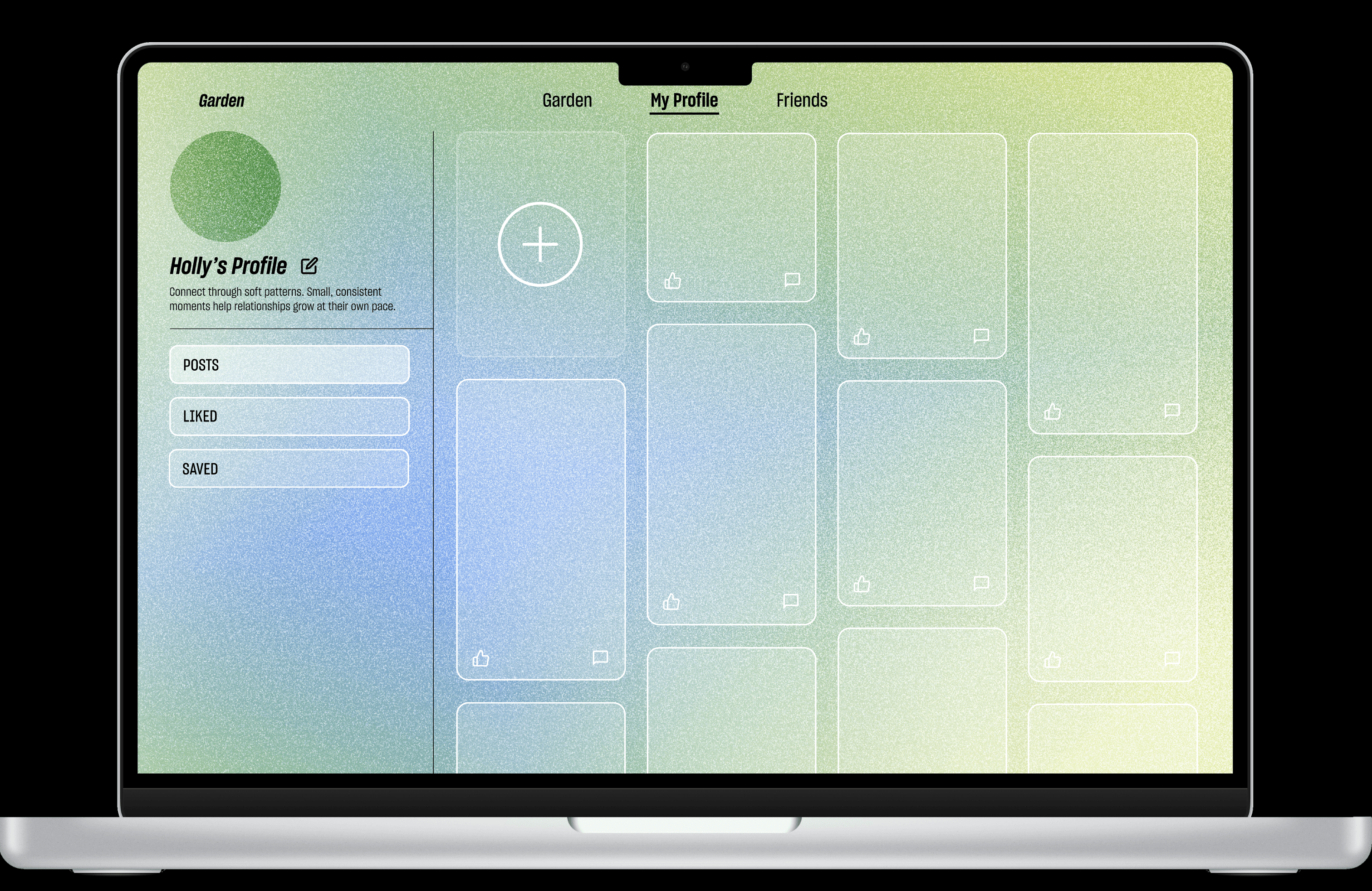
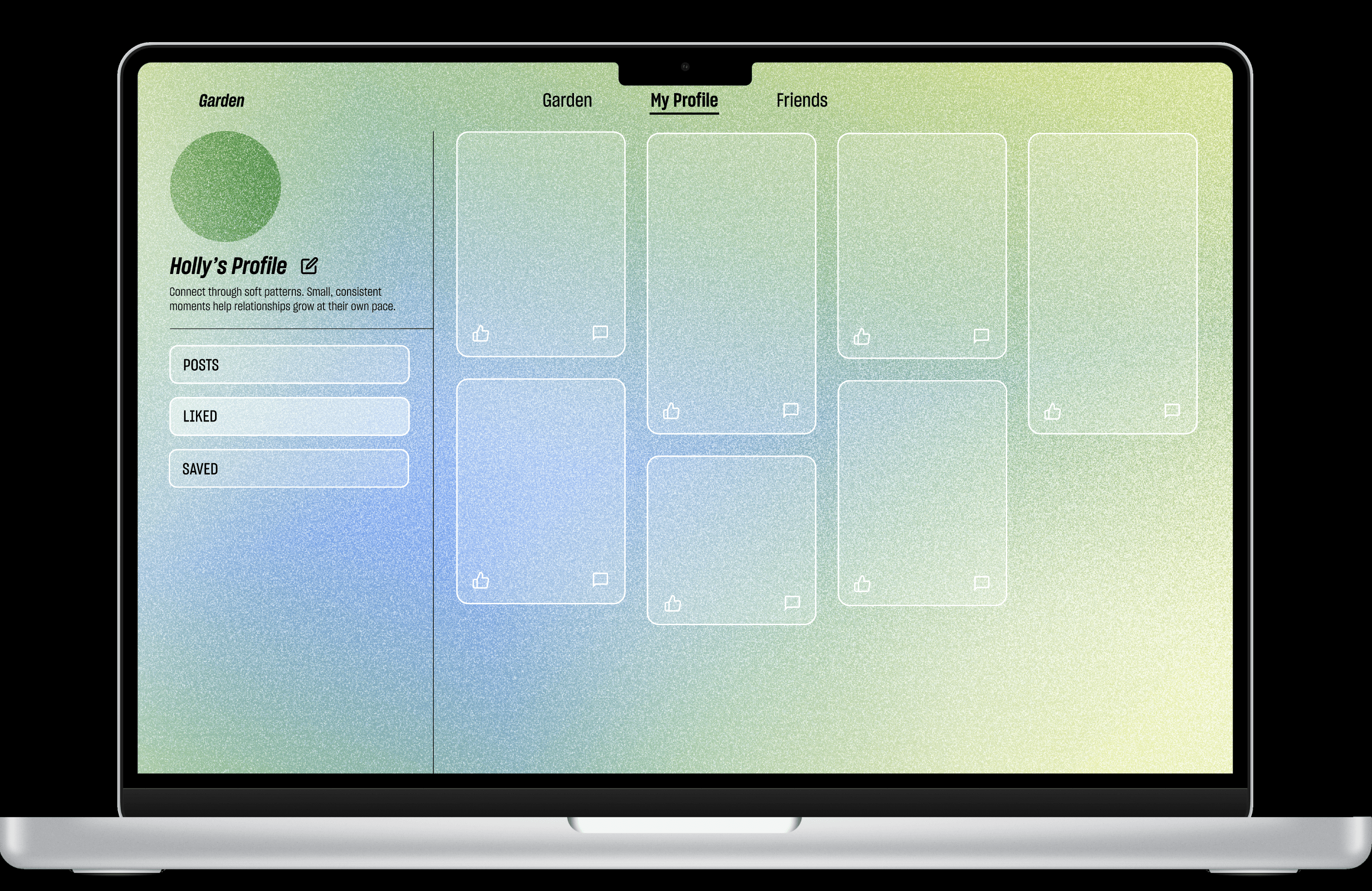
My Profile page allows users to edit personal information, view past posts, create new posts via the plus button, and access liked and saved posts.